
AI consulting
AI Automation in Roswell for Back-Office Work
The customer-facing work is finished, but there is still a small pile of notes waiting to become tomorrow's task list. AI automation in Roswell can help with that back-office work. We can start by turning information you already have into a draft summary that shows what needs attention and who should take the next step.

In this guide
- The day ends before the loose ends do
- Give the scattered notes a useful destination
- Walk William through the work behind the work
- A summary needs to preserve the open questions
- Put together a back-office routine you can check
- The next morning needs one agreed version
- Start the day knowing what needs your attention
- Bring the Roswell office routine into the discussion
- Questions about back-office automation
- Talk through one Roswell back-office task
The day ends before the loose ends do
A colleague sends an update in a message. You add a note after a call, then leave a reminder in a document because there is somewhere else you need to be. By the end of the day, the information exists, but gathering it into something useful is another job.
The difficulty is often deciding what deserves attention. A finished task, an open question, and a promised follow-up can all sit in the same conversation. You need a clear view of what remains before you can hand work to someone else or plan the next morning.
Give the scattered notes a useful destination
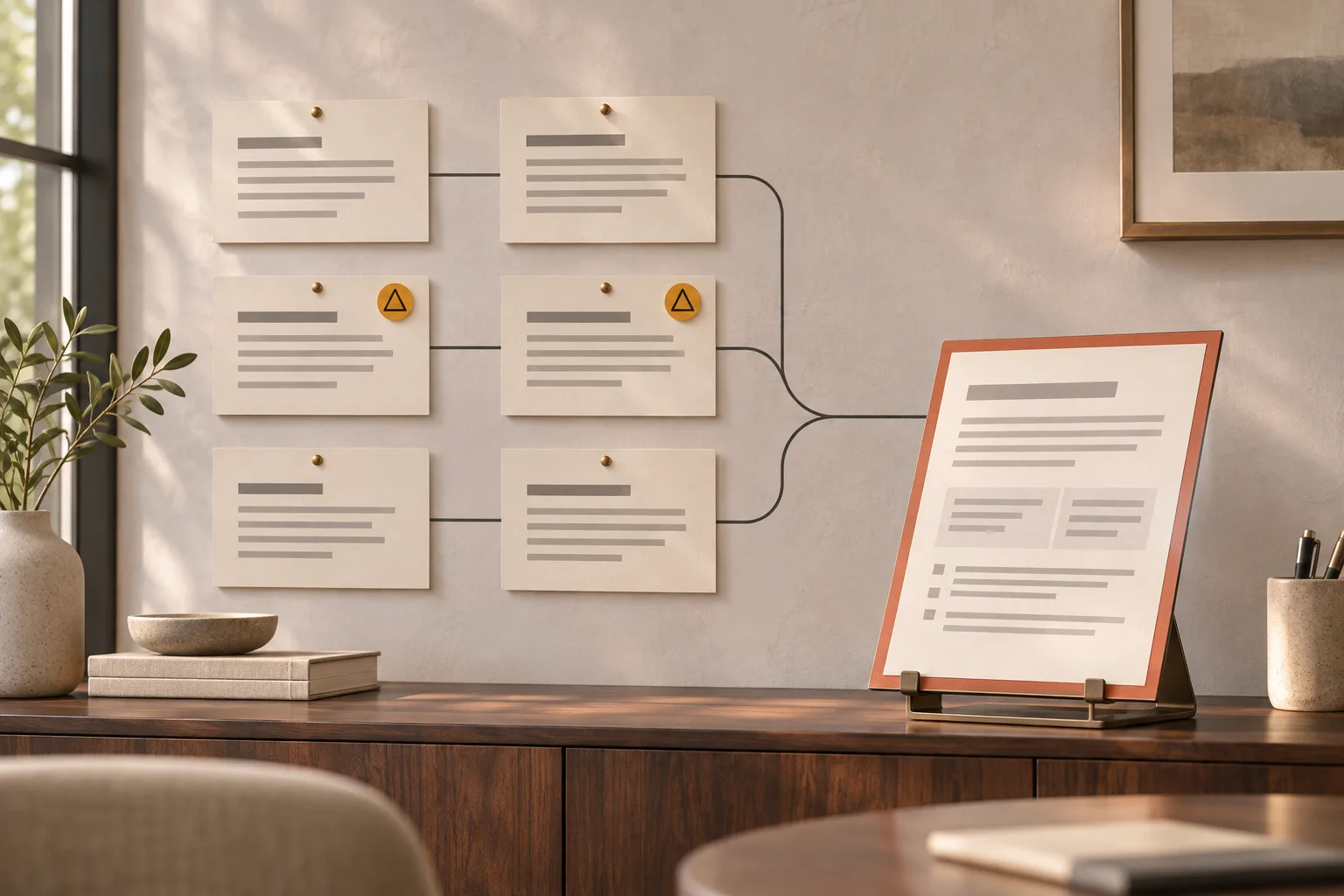
We can choose a defined set of updates and have a tool prepare an internal summary for review. Each item can show the task, the person responsible if one has been named, and any date stated in the source. Missing details can stay visible as questions for your team to resolve.
That gives you a starting point for the daily handoff. You check the summary against the original material and decide what belongs on the working list. Our consulting help for Roswell businesses can shape that first version around the way you already share updates.
Walk William through the work behind the work
William can visit your office to see how updates arrive and how you turn them into decisions; remote sessions are available too. Choose examples that are safe to share and explain which parts usually need your attention. Seeing the sequence helps him understand where a draft summary would fit.
He has used AI every day since late 2022 and has helped more than a dozen people build dedicated assistants. You can discuss the choices directly with him and ask how the proposed setup would behave when an update is incomplete. The first project should be something you can explain to the people who will use it.
Our AI consulting work can combine building, teaching the team, and continued help with changes. You have William as a direct contact when a question comes up. If finding time to begin is your biggest concern, the guide for owners short on time explains how to prepare a focused conversation.
A summary needs to preserve the open questions
A tidy paragraph can make a busy conversation look settled. Someone may have suggested a delivery date without confirming it, or offered to help without taking responsibility for the whole task. If those differences disappear in the summary, your team can walk away with the wrong impression.
We define what the summary needs to preserve. Proposed dates stay marked as proposed, and unassigned work stays open for a decision. The goal is to make the uncertainty easier to see so the next conversation starts with the right questions.
Put together a back-office routine you can check
Begin with one recurring handoff, such as the updates you review before planning the next day. Decide which material is appropriate to include and remove sensitive details from the first test. Then build the routine around the people who rely on that handoff:
- Set the boundary for the summary. Choose the messages or notes it should cover and the period they belong to. A defined starting point makes it easier to spot an update that has been left out.
- Agree on the categories. Separate completed work, open tasks, questions, and decisions waiting on someone. Use labels your team already understands so people can find their part quickly.
- Keep a route back to the source. Include enough reference information for a reviewer to locate the original update. That gives them a way to check the wording and the context before accepting an item.
- Review the draft together. Compare the summary with the source, especially names, dates, commitments, and anything that sounds more certain than the original. Correct the instructions when the same misunderstanding appears again.
- Decide where the approved list goes. Choose the place your team will use for the next step and who makes the final update. Make sure everyone knows how to raise a correction after the handoff.
The Small Business Administration discusses AI help with repeat tasks and summaries, alongside the need for people to review the work. That review matters here because a fluent sentence can hide a mistaken assumption about what someone agreed to do.
The next morning needs one agreed version
If the approved task list lives in one place and a later correction stays in a message, colleagues can begin the day from different information. Decide how a change reaches the working list. The update needs an owner just as much as the original summary does.
Try that situation during the first project. Change a date in a test update and follow what happens to the task that was already recorded. You can then agree on a simple way to mark the correction and let the person doing the work know.
Start the day knowing what needs your attention
A useful handoff lets you see the unfinished work, the questions that need an answer, and the people already involved. You can open the source when something needs context. The summary becomes a practical aid to the conversation your team needs to have.
Judge it by how people use it. Ask whether it helps them find the next action and whether the review catches the details they care about. Those answers show which parts of the routine deserve attention and whether the first version is useful enough to keep.
Bring the Roswell office routine into the discussion
For a business in the Historic District around Canton Street and Roswell Town Square, bring the updates that tend to pile up after customer-facing work. William can use those examples to understand what your end-of-day handoff needs to contain. Offices near Barrington Hall can use that landmark when arranging where the discussion will happen.
Along the Alpharetta Highway corridor and in the Westside Parkway area, include the colleague who receives the finished task list as well as the person who prepares it. If the team is spread across Holcomb Bridge Road and other parts of Roswell, explain where their updates meet. That helps choose a handoff everyone involved can use.
We also serve nearby Alpharetta, Johns Creek, Milton, and Peachtree Corners. Colleagues based in those communities can be part of planning the same shared routine.
Questions about back-office automation
What is a sensible first back-office task?
Choose a recurring handoff whose source information you can identify. A draft task summary or internal update can give you a clear output to review. William can help assess the task's exceptions before deciding how to build it.
Can a summary include several people's updates?
It can be designed around material from more than one person when the tools and permissions support it. Agree on which sources belong in the summary and how to identify them. That keeps the review manageable for the people using it.
What if nobody has taken ownership of a task?
The draft should leave that decision visible. You can mark the task as needing an owner and assign it during your review. Making the gap clear is more useful than allowing the tool to infer responsibility.
Do we have to change our morning meeting?
The first project can support the meeting or handoff you already have. Show William what people need to know when it begins. The draft can then be organized around those decisions.
How will we find out whether important details were missed?
Compare early summaries with their original updates and include examples with changes or unresolved questions. Ask the people doing the work to flag omissions. Use those findings to refine the scope and the review routine.
Can the setup grow to cover other office tasks?
Once you understand how the first task behaves, you can discuss another focused job. Each addition needs its own source information, review decisions, and person responsible. William can help you choose the next step from what the team has learned.
Talk through one Roswell back-office task
Use a free 30-minute call with William to describe the notes and updates that follow you into the next day. Pick one recurring handoff and explain what a useful summary would help you decide. That gives your Roswell business a concrete place to begin.