
AI implementation
Define the finish line for your first AI pilot
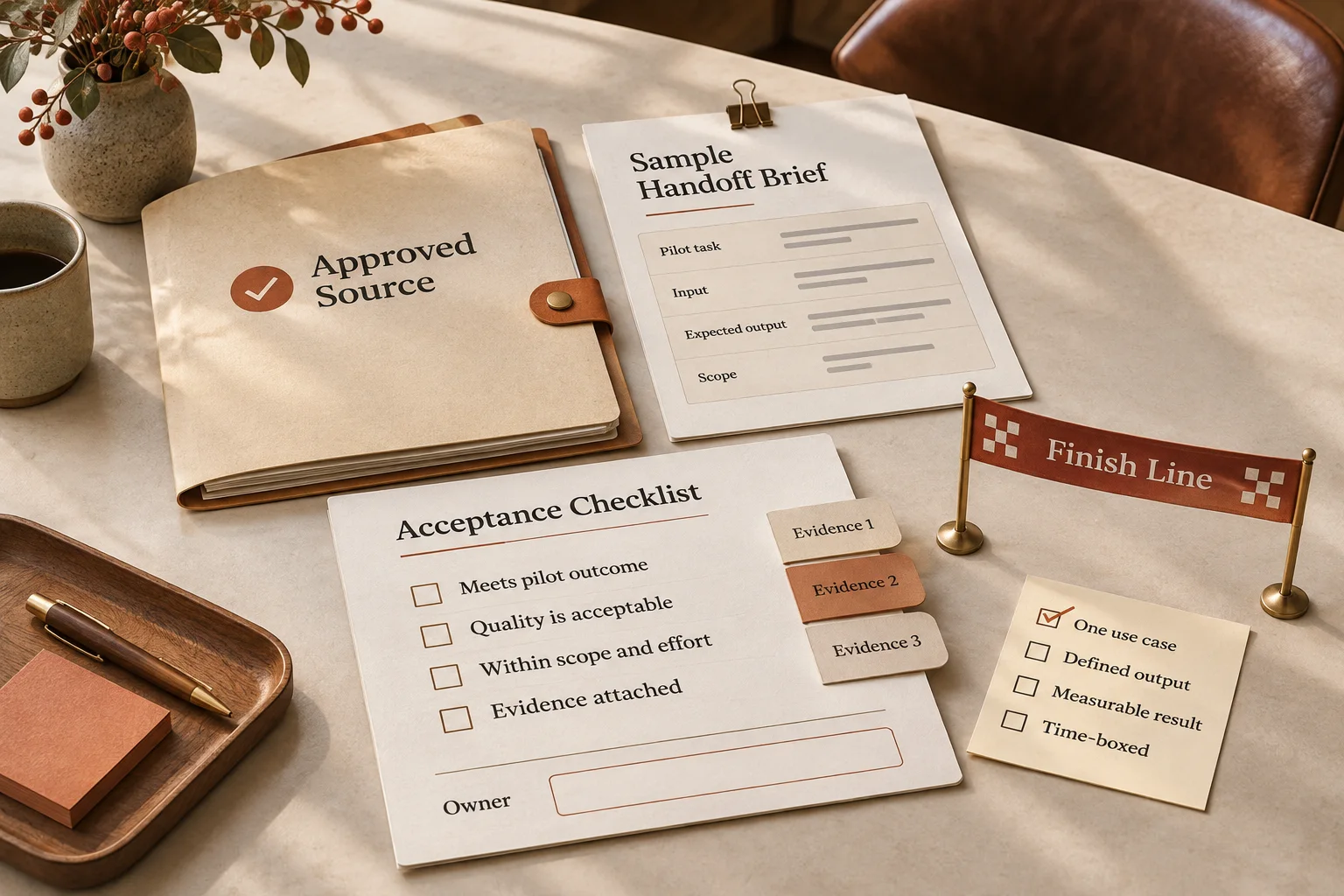
Write a testable AI pilot brief with a useful output, clear limits and a decision about what happens after the trial.

In this guide
Give the pilot a decision to answer
A first AI pilot should help you make a concrete decision: continue, revise or stop. “Explore AI” does not give a team enough direction. “Prepare a source-linked project handoff that a reviewer can approve in one sitting” gives you an output and a way to judge it.
Peachtree Corners has an established technology business community. For a team considering another tool, the practical question is how it fits the work already happening. A pilot gives the technical and operational sides a shared piece of work to examine before committing to a larger build.
Write the decision at the top of a one-page brief. State which task you are testing, who will use the result and what would justify the next investment. Keep the question narrow enough that the trial can actually answer it.
Describe the current task before describing the AI
Choose a task with a recognizable beginning and end. For a fictional project team, the task starts when meeting notes and an approved scope are available. It ends when a reviewer accepts a handoff brief with next actions, owners and unresolved questions.
Record how that task works now. Who collects the information? Who reconciles conflicting details? What gets copied between tools? Which part causes delay? Use a few representative examples rather than relying on everybody’s memory of the most frustrating incident.
Include ordinary cases and difficult ones. Perfectly formatted notes will not tell you whether the workflow handles a missing owner or a change that has not been approved. Keep those differences visible when you compare the old method with the pilot. Otherwise, you can mistake easier inputs for a better process.
Define acceptance in terms a reviewer can use
Specify the required fields and their sources. A handoff might need the agreed objective, current scope, next action, responsible person, deadline and open questions. Mark fields that can remain unknown. Requiring every field to be filled creates pressure to guess.
Write concrete checks for the reviewer. Every deadline must have a source. Every assigned owner must be named in the approved material. Any conflict between the scope and meeting notes must be surfaced. The summary should separate proposed changes from agreed work.
Decide which errors block acceptance. A typo and an invented customer commitment are different failures. Choose the distinction before seeing the results, so enthusiasm for a polished demo does not move the standard afterward. Record corrections alongside the original output.
Set limits on access and action
List the files the pilot needs and the actions it may take. Reading an approved folder, producing a draft and creating a task are three different capabilities. A pilot that tests drafting does not automatically need permission to assign work or send messages.
Define what happens when a source is unavailable. The workflow should flag the missing input and preserve the work for review. It should not silently substitute a document with a similar name or use remembered information without telling the reviewer.
Also define the stopping point. For this fictional handoff, the pilot ends at a reviewable draft. The reviewer’s approval does not trigger downstream activity unless that behavior is explicitly included in the scope. Keeping the boundary clear makes failures easier to understand.
Measure effort as well as output quality
Time the whole task: collecting inputs, generating the draft, reviewing it and correcting it. A fast generation step can be outweighed by a longer review. Compare equivalent cases and keep the original documents so that another person can understand the result.
Record which mistakes recur. If the assistant regularly confuses proposed and approved dates, you may need clearer source labels or a revised instruction. If it cannot access the right document, changing the prose prompt will not fix the connection. Use the failure type to choose the next adjustment.
Include the maintenance work in your decision. Someone will need to update sources, manage access and review failed runs. A pilot that saves effort for one person by quietly moving it to another has not yet shown the full cost of operating the workflow.
Close the trial with a specific next step
At the end, review the examples against the acceptance checks. Choose among continuing with the same scope, revising a named weakness, expanding one capability or stopping. “Promising” is not a complete decision. State what evidence supports the choice and what remains untested.
If you expand, change one meaningful thing at a time. Adding a new source, a new task and automatic sending together makes the next failure difficult to diagnose. Keep the earlier test cases and rerun them after changes so that improvements do not break work that already behaved correctly.
A team that needs to compare the basic options can start with our checklist, automation and assistant guide. For the review exercise itself, use a shared summary-checking method.
Our Peachtree Corners implementation page explains how we scope a first project. Bring a recurring task to a free AI opportunity review and we can work out what the pilot needs to prove.